Coax to HDMI: Your Complete Guide to Converters & Adapters (2026)

Need HDMI from coax? Learn how coax-to-HDMI converters decode RF signals, where they’re used, and how to pick the best option for your setup.
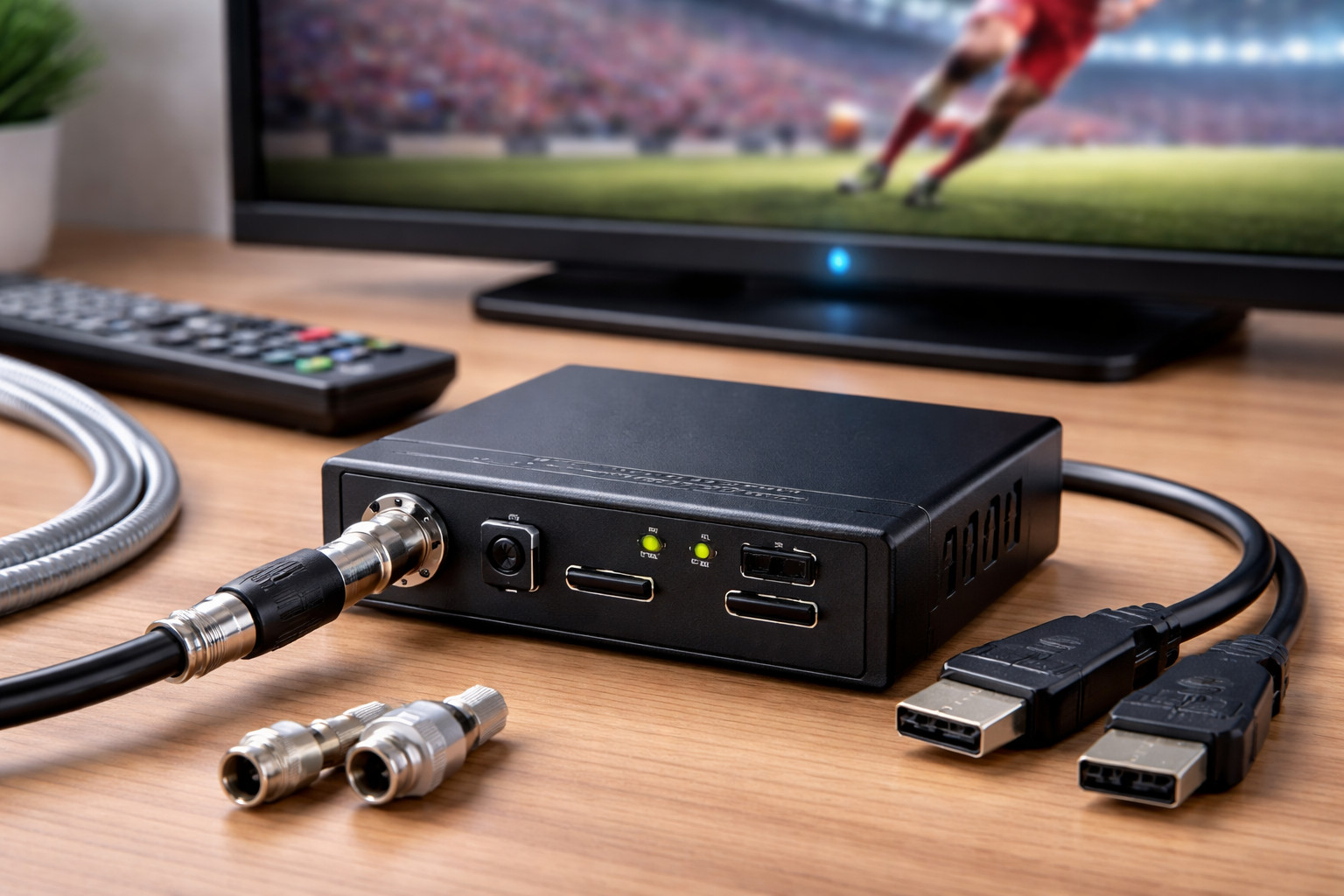
Coax to HDMI

If you’re trying to connect legacy coax-based video systems to modern TVs, monitors, or projectors, a coax to HDMI solution is the bridge. Whether you need a coaxial to HDMI converter for home entertainment, digital signage, hospitality TV, or professional broadcast environments, choosing the right device (and the right signal standard) saves time, cost, and frustration.

At Thor Broadcast, we build professional-grade AV tools for broadcasters and installers. Signal conversion and distribution are at the heart of what we do. Explore our full lineup of deployment-ready products here: https://thorbroadcast.com/.

What Is Coax to HDMI Conversion?

A coaxial to HDMI converter is a device that accepts a signal coming through a coaxial cable (often RF television distribution) and outputs HDMI so modern displays can show it. In many buildings, coax wiring is already installed and works reliably across long distances. The problem is that most modern TVs, monitors, and projectors expect HDMI — not RF coax.

In simple terms:

  • Coaxial cable (RF signal) ➡ decoded and converted to HDMI (digital video/audio)
  • Lets older RF distribution feed modern displays
  • Common in hospitality, multi-tenant buildings, gyms, bars, campuses, airports, and broadcast facilities

Think of coax-to-HDMI devices as the missing link between legacy infrastructure and today’s screens.

When Do You Need Coax to HDMI?

You typically need a coax to HDMI device when your video source or distribution network outputs RF over coax, but your display only accepts HDMI.

Common situations include:

  • Buildings with existing coax runs (apartments, hotels, campuses) where replacing wiring would be expensive
  • RF modulators distributing channels over coax to multiple locations
  • Antenna feeds coming from OTA distribution, headends, or shared antenna systems
  • Legacy broadcast gear using RF distribution for monitoring or multi-room feeds

In other words: if your coax feed carries a TV channel signal, the converter acts like a tuner/decoder + HDMI output in one box.

How Coax to HDMI Conversion Works

Coax-to-HDMI conversion is not a passive connection. A simple cable won’t do it. The device must receive, tune, demodulate, and decode the RF signal before outputting HDMI.

  1. RF Input Capture — The converter receives the coax RF feed.
  2. Tuning / Demodulation — The unit locks onto the channel and demodulates the RF carrier.
  3. Decoding — The digital stream (commonly MPEG-2 or H.264 inside ATSC/QAM/DVB) is decoded into video/audio.
  4. HDMI Output — The decoded video/audio is output over HDMI for your display or downstream device.

This is why specs matter: if the converter doesn’t support your RF standard (or the channel is encrypted), it won’t display anything.

Converter vs. Adapter: What’s the Difference?

People often say coax to HDMI adapter and coaxial to HDMI converter interchangeably, but in practice there’s a difference in expectations.

  • Coaxial to HDMI Converter — A powered device that tunes RF channels and decodes them for HDMI output. Often includes channel scan, remote control, and format support (ATSC/Clear QAM/DVB depending on model).
  • Coax to HDMI Adapter — A casual term that usually still refers to a powered converter, but sometimes implies a “simple plug” (which doesn’t exist for RF-to-HDMI).

If you see a product marketed as an “adapter” but it has no tuner/standard support listed, treat that as a red flag.

RF Standards Explained: ATSC, Clear QAM, DVB

The #1 reason coax-to-HDMI setups fail is mismatched RF standards. Coax is just the cable — what matters is what signal is riding on it.

ATSC (common in North America for over-the-air broadcasts):

  • Used for antenna/OTA digital TV
  • Requires an ATSC-capable tuner/decoder

QAM (common in cable distribution):

  • Clear QAM is unencrypted and can be decoded by compatible converters
  • Encrypted QAM cannot be decoded without authorized decryption equipment (often via provider set-top boxes)

DVB (common across many regions outside North America):

  • DVB-T/T2 (terrestrial), DVB-C (cable), DVB-S/S2 (satellite)
  • Requires the correct DVB tuner standard in the converter

Rule of thumb: choose a converter that explicitly lists support for your source format (ATSC, Clear QAM, DVB-C, etc.).

Best Use Cases: Home, Commercial, Broadcast

Coax-to-HDMI conversion shows up in more places than people expect. Here are practical examples.

Home Theater & Residential

  • Shared antenna feed distributed to rooms via coax
  • Legacy RF modulators feeding multiple TVs
  • Need HDMI output for a modern TV or capture device

Commercial AV & Digital Signage

  • Bars and restaurants distributing channels to many displays
  • Hotels using coax networks but upgrading screens to smart TVs
  • Gyms and public venues where wiring changes are disruptive

Broadcast & Professional Installations

  • RF distribution inside facilities for monitoring
  • Decoding modulated channels into production monitors
  • Bringing RF channels into HDMI workflows (switchers, encoders, recorders)

The common theme: keep the coax backbone, modernize the endpoints.

How to Choose the Right Coax to HDMI Converter

Use this checklist before buying. It prevents almost every compatibility problem.

1) Confirm your RF standard

  • Is it ATSC (OTA), Clear QAM (cable), DVB-C/T/T2, or something else?
  • If you don’t know: identify the source device (modulator, headend, antenna system) and its output format.

2) Check encryption status

  • Encrypted cable channels won’t decode without authorized decryption workflow
  • For encrypted environments, a provider set-top box + HDMI distribution/encoding is often required

3) Video resolution and output options

  • Look for stable 1080p output (or higher, if needed)
  • Ensure your display accepts the converter’s HDMI output format

4) Usability

  • Channel scan and easy tuning
  • Remote control for installations where the unit isn’t easily accessible
  • Clear on-screen display or status indicators

5) Reliability for continuous operation

  • Commercial/broadcast use demands stability (no dropouts, no random reboots)
  • Prefer professional-grade devices for 24/7 installations

If you’re deploying across multiple displays, also consider whether you need one decoder per TV, or a centralized headend approach.

Common Mistakes (and How to Avoid Them)

  • Mistake: Assuming coax is “video like HDMI”.
    Fix: Remember coax often carries RF channels; you need tuning + decoding.
  • Mistake: Buying a converter without verifying ATSC/QAM/DVB support.
    Fix: Match the converter’s tuner to your source format.
  • Mistake: Trying to decode encrypted cable channels with a standard converter.
    Fix: Use authorized decryption workflows (STB, CAM where applicable, or provider solutions).
  • Mistake: Using consumer devices in 24/7 commercial deployments.
    Fix: Choose pro-grade gear designed for continuous operation.

Where Thor Broadcast Fits In

Thor Broadcast designs professional AV tools for installers and broadcasters who need dependable conversion and distribution.

Typical building blocks include:

  • RF to HDMI decoders for converting coax RF channels into HDMI output at the display or rack
  • HDMI modulators for the opposite direction: distributing HDMI sources over coax infrastructure as RF channels

If you’re building a scalable system for hospitality, campus, or commercial AV, that mix (decoding + modulation) often creates a flexible, serviceable architecture.

See product options and deployment-ready solutions here: https://thorbroadcast.com/.

Frequently Asked Questions

Q: Can I use a simple coax to HDMI adapter for any TV?
A: Only if the device is an actual powered converter with a tuner/decoder that matches your RF signal (ATSC, Clear QAM, DVB, etc.). A passive adapter won’t work for RF-to-HDMI conversion.

Q: Does a coax to HDMI converter improve picture quality?
A: It doesn’t improve the original signal, but a good converter preserves quality during decoding and outputs a stable HDMI signal with fewer artifacts and dropouts.

Q: Are coax to HDMI converters compatible with HDMI 2.0?
A: Many units output standard HDMI signals that work with HDMI 2.0 displays, but always verify supported resolutions, frame rates, and HDCP behavior in the product specs.

Q: What if my coax signal is encrypted?
A: Encrypted channels usually require an authorized decryption method (often a provider set-top box). From there you can distribute HDMI or re-encode/modulate depending on the system design.

Q: Is one converter needed per TV?
A: Often yes for display-side decoding. For larger installations, a centralized headend can decode once and distribute via HDMI/IP/RF depending on your architecture.


Justin White
Justin White
Broadcast Engineer
Broadcast engineer specializing in turnkey CATV and fiber-transport solutions. Experienced in designing and deploying complete encoding/decoding workflows to move virtually any signal over IP, fiber, and RF. Focused on ultra-low-latency headend architectures and custom mux/demux builds, supporting demanding environments across telecom, sports, education, hospitality, studios, live events, and mission-critical institutions worldwide.